When it comes to user interface (UI) design, the little things often make the biggest difference. Micro-interactions, those tiny animations or feedback mechanisms, can significantly enhance user experience and boost engagement. Think about the last time you used an app or website that made you smile with a small animation. Those moments are more than just eye candy; they serve a purpose. Let’s dive into what micro-interactions are and how they can elevate your UI design.
What Are Micro-Interactions?
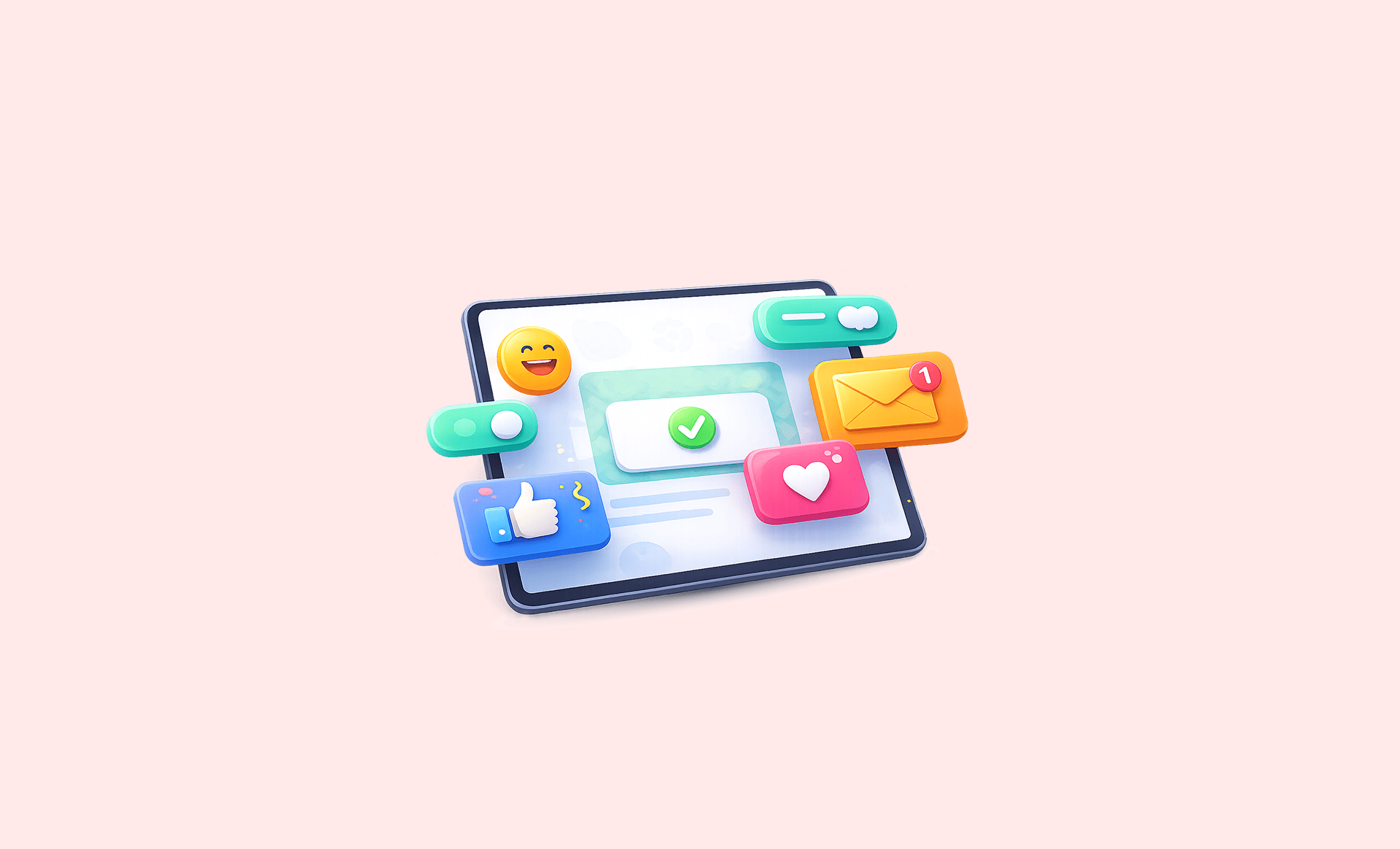
Micro-interactions are subtle design elements that respond to user actions. They include everything from the button that changes color when you hover over it to the subtle animations that occur when you send a message. These interactions provide feedback, guide users, and create a more engaging experience. They are often overlooked, but their impact is profound. Here are a few examples:
- Button animations when clicked
- Loading spinners or progress bars
- Notification alerts that slide in
- Toggle switches that change appearance

Why Micro-Interactions Matter
You might be wondering why these small details even matter. The answer lies in user engagement. Micro-interactions can significantly enhance usability and make a product feel more polished. Here’s how:
Feedback: They provide immediate feedback to users, confirming that their actions have been recognized. For instance, when you submit a form and see a checkmark, it reassures you that everything went well.
Guidance: Micro-interactions can guide users through processes. For example, a subtle animation can draw attention to a call-to-action button when it’s time to take the next step.
Delight: Small animations can add personality to your UI. A playful bounce or a smooth transition can make the experience more enjoyable, encouraging users to return.
Types of Micro-Interactions
Micro-interactions can take many forms, and understanding different types can help you incorporate them effectively into your designs. Here are some common types:
1. Triggered Micro-Interactions
These occur in response to user actions. For instance, when you click a button and it changes color or animates, that’s a triggered micro-interaction. They help confirm that the action has been registered.
2. Status Updates
Status updates inform users about ongoing processes. Think about a progress bar filling up as a file uploads. This type of micro-interaction keeps users engaged and informed.
3. Feedback Mechanisms
Feedback mechanisms provide instant responses to user actions. For example, when you swipe a notification away and see a smooth transition, it gives you a sense of control over your actions.
4. Visual Design
Animations can enhance the visual design of a UI. Subtle transitions between pages or elements make the experience feel more cohesive and less jarring.
Best Practices for Implementing Micro-Interactions
Incorporating micro-interactions into your design isn’t just about adding animations for the sake of it. Here are some best practices to ensure they enhance rather than distract:
Keep it Subtle: The best micro-interactions are often the ones you don’t notice until they’re missing. Avoid overly flashy animations that can overwhelm users.
Be Consistent: Consistency is key. Use similar animations for similar actions to create a cohesive experience.
Test with Users: Always test your micro-interactions with real users. See how they respond—do they find the animations helpful or distracting?
Consider Performance: Be mindful of load times. Heavy animations can slow down your app or website, which might lead to frustration.
Real-World Examples
Sometimes, seeing how others implement micro-interactions can spark inspiration. Here are a few standout examples:
Facebook: When you “like” a post, a small animation of hearts popping up provides instant feedback, making the interaction enjoyable.
Mailchimp: Their onboarding process includes subtle animations that guide users through setting up their accounts, making it feel less daunting.
Airbnb: When booking a stay, users see animations that confirm their selections, adding reassurance that they’re on the right path.
Getting Started with Micro-Interactions
If you’re ready to incorporate micro-interactions into your UI design, here’s how to start:
- Identify key user actions in your app or website.
- Decide what type of feedback is needed for each action.
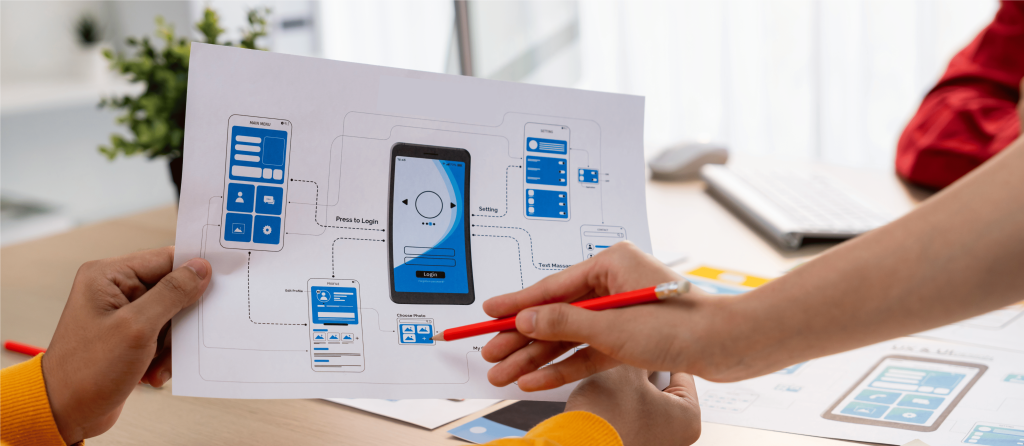
- Sketch out how the micro-interactions will look and feel.
- Implement them using CSS animations or JavaScript libraries.
- Test with real users and refine based on their feedback.
Micro-interactions might be small, but they play a big role in enhancing user experience. By paying attention to these details, you can create a UI that not only looks good but feels good to use. So, as you design, remember that the little things often lead to the most significant impacts.